The best video editing apps can turn a quick phone clip into a product demo, Reel or customer story. Every small business needs video now, but the app you choose decides whether that video takes 30 minutes or a whole weekend, and whether it costs nothing or $400 a year.
We compared six of the best video editing apps on what matters to a busy business owner: price, how easy they are, what the free plan really includes, and which kind of video each one suits. Prices are US list prices as of October 2026; check the app before you subscribe, as they change often.
Best Video Editing Apps: Quick Comparison

The short answer: the best video editing apps to start with are CapCut for social video, Clipchamp for a free no-fuss desktop option, and DaVinci Resolve if you want professional tools without a subscription.
| App | Best for | Works on | Free plan | Paid price (USD) |
|---|---|---|---|---|
| CapCut | Reels, TikTok, Shorts | Phone, desktop, browser | Yes; 1080p+ export is paid | Standard ~$9.99/mo; Pro ~$19.99/mo |
| Clipchamp | Simple promo and YouTube videos | Browser, Windows | Yes; 1080p, no watermark | Premium $11.99/mo (included with Microsoft 365) |
| Canva | Branded social clips | Browser, phone, desktop | Yes | Pro $15/mo billed yearly |
| iMovie | Quick edits on Apple devices | iPhone, iPad, Mac | Fully free | None |
| DaVinci Resolve | Long videos, color, sound | Windows, Mac, Linux | Yes; very generous | Studio $295 one-time |
| Adobe Premiere Pro | Professional, long-term editing | Windows, Mac | 7-day trial only | $22.99/mo on annual plan |
The 6 Best Video Editing Apps, Reviewed
1. CapCut — best for Reels, TikTok and Shorts
CapCut is the fastest way to make short vertical videos on your phone. Its auto-captions, templates and trending effects are built for social media, and you can start editing within minutes of downloading it.
- Good: auto-captions, huge template library, works on phone and computer.
- Watch out: the free plan now limits higher-resolution (1080p+) export and most AI features. Prices aren’t listed on CapCut’s site and vary by region, so check in the app.
- Price: free; Standard about $9.99/month; Pro about $19.99/month or $179.99/year.
2. Microsoft Clipchamp — best free desktop option
Clipchamp runs in your browser and comes built into Windows. Its free plan exports unlimited 1080p videos with no watermark, which is rare.
- Good: simple drag-and-drop timeline, free 1080p export, commercial use allowed.
- Watch out: fewer effects than CapCut; premium stock footage needs a paid plan.
- Price: free; Premium $11.99/month, or included if you already pay for Microsoft 365 Personal or Family.
3. Canva — best if you already design in Canva
If you make your posts and flyers in Canva, its video editor keeps everything in one place. Your brand colors, fonts and logo are a click away.
- Good: easy branded templates, great for text-heavy promo clips.
- Watch out: not built for long YouTube videos or detailed audio work.
- Price: free; Pro $180/year (about $15/month).
4. iMovie — best free app for iPhone and Mac users
iMovie is completely free on Apple devices and covers the basics well: trimming, titles, music and transitions.
- Good: no cost, no watermark, no learning curve.
- Watch out: Apple only, and limited for vertical social video and captions.
- Price: free.
5. DaVinci Resolve — best professional tool for free
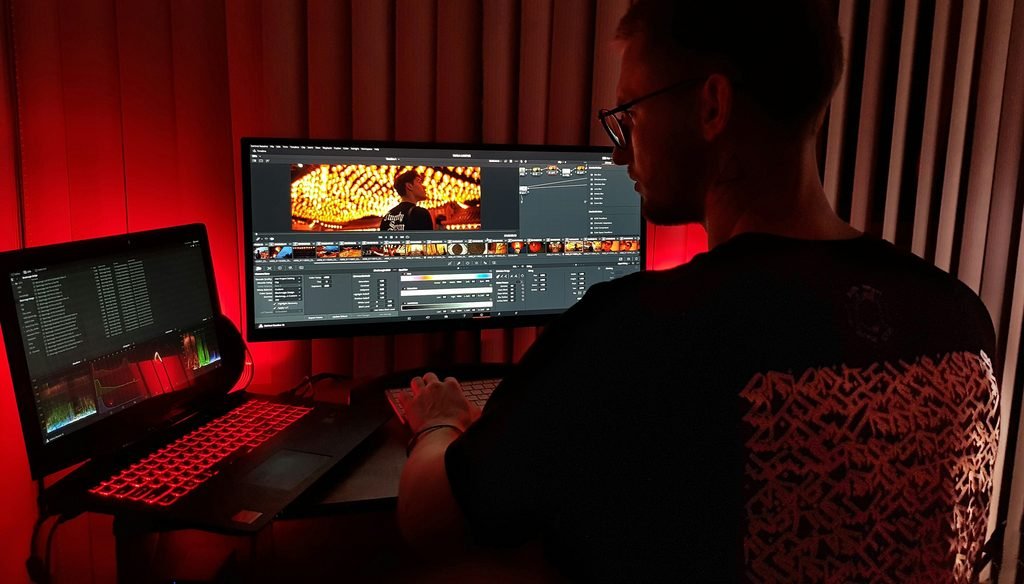
DaVinci Resolve is what many professional editors use, and its free version is remarkably complete. It shines at color correction and sound cleanup.
- Good: professional quality, one-time payment for the Studio version instead of a subscription.
- Watch out: steep learning curve; needs a reasonably powerful computer.
- Price: free; Studio $295 one-time.
6. Adobe Premiere Pro — best for long-term, serious editing
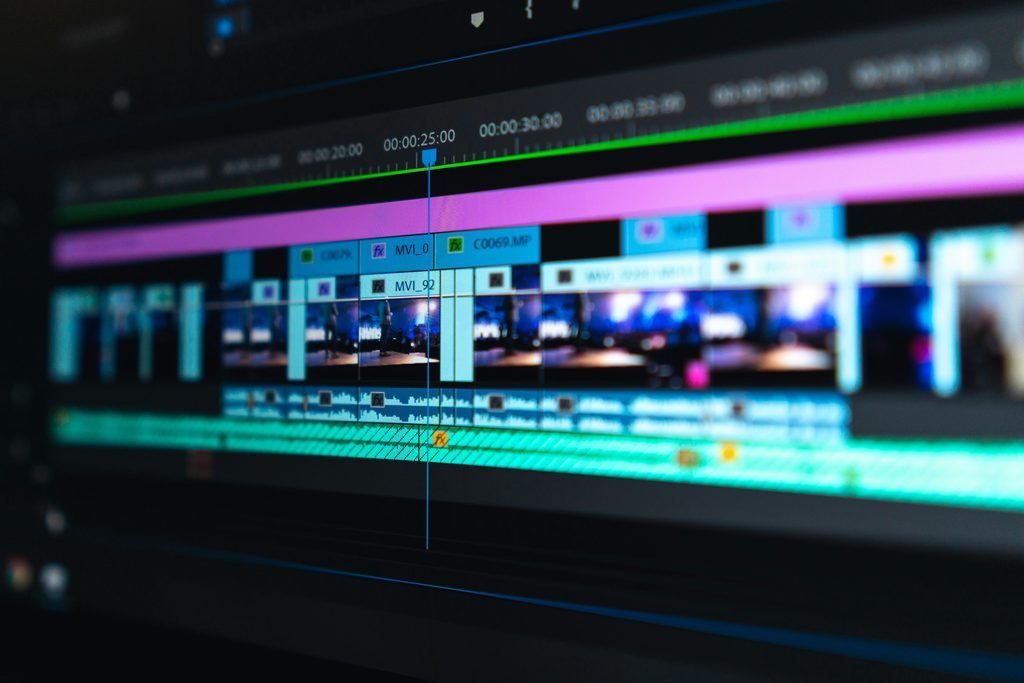
Premiere Pro is the industry standard. If you plan to edit a lot of video for years, or want to work with freelance editors who use the same software, it’s worth considering.
- Good: powerful, widely used, works smoothly with other Adobe apps.
- Watch out: no free plan, and early cancellation fees on annual plans.
- Price: $22.99/month on an annual plan; $34.49/month without commitment; 7-day free trial.
How to Choose Between The Best Video Editing Apps
The best video editing apps for you are the ones that match the video you make most often, not the fanciest feature list.
| If you mostly make… | Choose |
|---|---|
| Reels, TikToks and Shorts on your phone | CapCut |
| Simple promo or YouTube videos on a Windows laptop | Clipchamp |
| Branded posts and short clips, already using Canva | Canva |
| Quick edits on an iPhone or Mac, zero budget | iMovie |
| Polished YouTube videos and you’re willing to learn | DaVinci Resolve |
| Lots of video, for years, possibly with a team | Premiere Pro |
Whichever you pick, keep your brand consistent across videos: same logo, colors and fonts. No logo yet? Browse these 25 logo ideas from graphic designers.
Or Skip The App: Hire An Editor
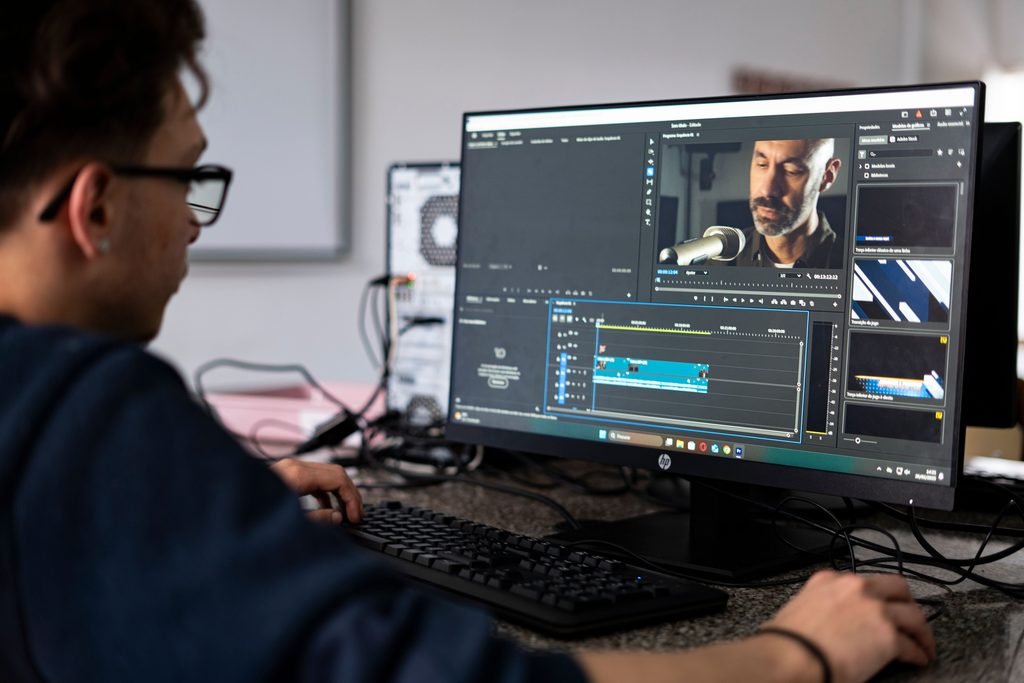
Even the best video editing apps are no help if you don’t have time to use them. Fiverr estimates that one finished minute of video can take one to two hours to edit, so a weekly ten-minute video can cost you a full working day.
If that sounds like you, hiring can be cheaper than you think. On Fiverr, short clips for Reels or Shorts typically cost $15–$45, and standard YouTube edits about $60–$100 (Fiverr cost guide). You can browse editors in Fiverr’s video editing category.
A good middle path: film and rough-cut in a free app like CapCut, then pay an editor for captions, sound and color. For prices, red flags and a hiring checklist, read our guide to video editing services.
Frequently Asked Questions
What are the best video editing apps for small businesses? The best video editing apps for most small businesses are CapCut, Clipchamp, Canva, iMovie, DaVinci Resolve and Premiere Pro. Start with a free one and upgrade only when you hit its limits.
What is the best free video editing app? For phones and social video, CapCut. For a free desktop app with 1080p export and no watermark, Clipchamp. For professional tools at no cost, DaVinci Resolve.
What’s the best video editing app for iPhone? iMovie if you want free and simple; CapCut if you mainly make Reels, TikToks or Shorts.
Do free video editing apps add a watermark? CapCut, Clipchamp, Canva, iMovie and DaVinci Resolve don’t watermark ordinary free exports, though premium templates or effects can add one. Other limits differ. CapCut now charges for 1080p+ export, while Clipchamp’s free plan includes 1080p.
Is Premiere Pro worth it for a small business? Only if you edit a lot of video or plan to grow a video team. For most small businesses, a free app plus an occasional freelance editor costs far less.
The Bottom Line
The best video editing apps for most small businesses are free. Start with CapCut for social, Clipchamp or iMovie for simple desktop edits. Move to DaVinci Resolve if you want more control. And when editing starts eating time you’d rather spend on customers, hand it to an editor and keep the app for quick jobs.
Some links on this page are affiliate links. If you buy through them, Deosher Studio may earn a commission at no extra cost to you.