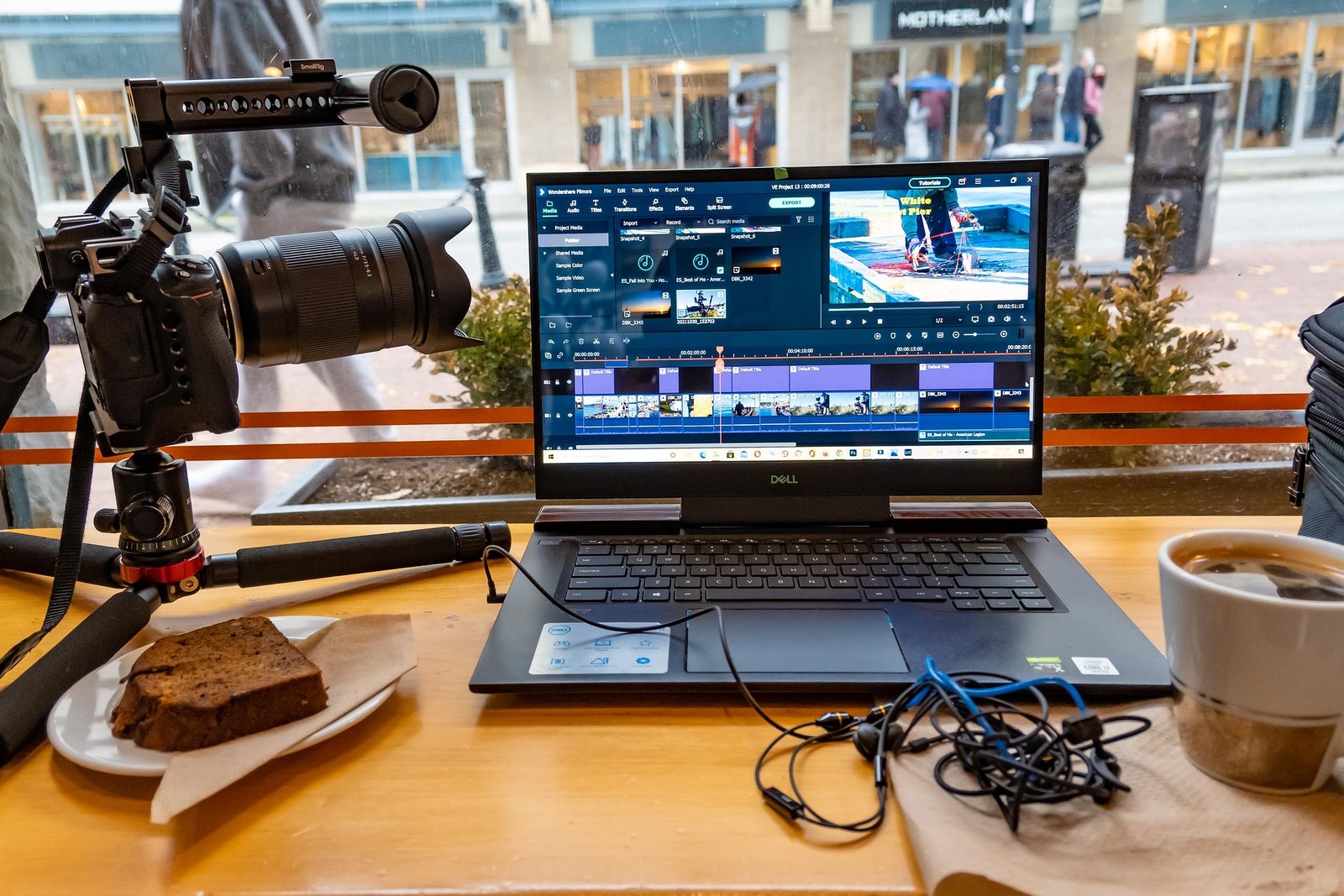
Video sells. A 30-second clip of your product in use, a tidy YouTube tutorial, or a week of Reels can do more for a small business than a new logo. The trouble is the editing. Cutting, captioning, adding music and exporting for each platform can eat a full weekend per video.
That’s where video editing services come in. This guide explains what an editor actually does, what it costs, when you should do it yourself, and how to hire someone good on Fiverr without wasting money. If you never hire anyone, you’ll still leave knowing how to plan your videos better.
What Video Editing Services Include
Video editing services turn your raw footage into a finished video that’s ready to post. You send the clips; they send back something people will actually watch. Most jobs combine a few of these tasks:
- Cutting and pacing: removing mistakes, pauses and “ums” so the video moves.
- Captions and text: subtitles, titles and on-screen labels. Most social video is watched on mute, so this matters.
- Music and sound: background tracks, sound effects and levelling your voice so it’s clear.
- Color correction: fixing footage that looks too dark, too orange or mismatched between clips.
- Graphics: your logo, lower thirds (name tags), simple animations and transitions.
- Formatting: exporting in the right shape for each platform, such as 16:9 for YouTube and 9:16 for Reels, TikTok and Shorts.
Editors usually specialise. Someone brilliant at wedding films may not be the right person for fast-paced Reels. Look for an editor whose past work matches the kind of video you need.
Should You Edit It Yourself Or Use Video Editing Services?
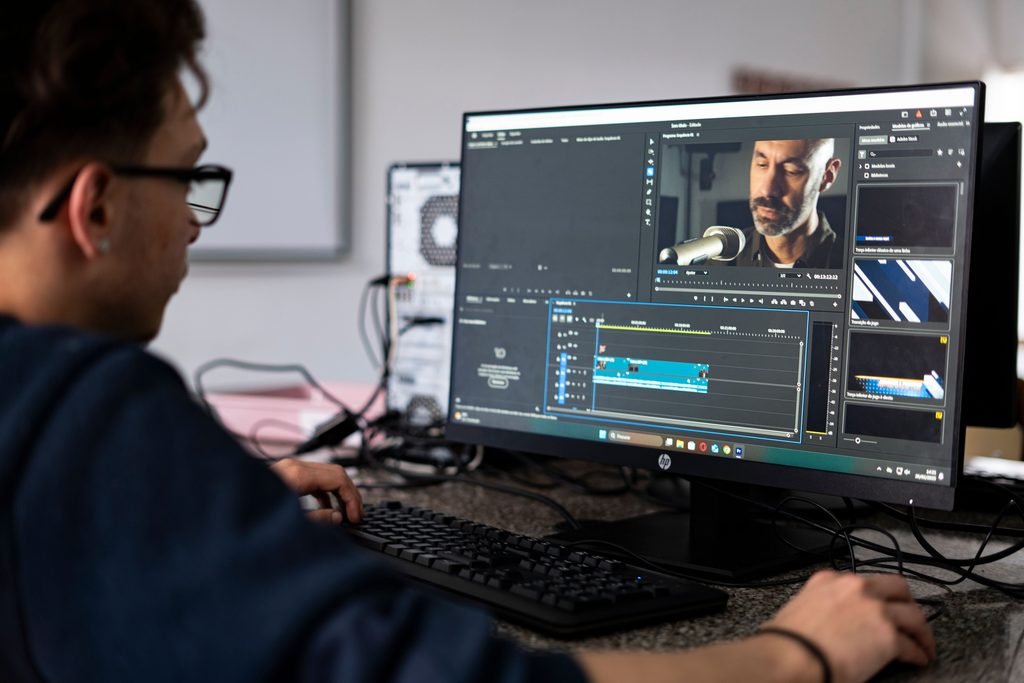
Use video editing services when your time is worth more than the editor’s fee; edit yourself when videos are short, simple and frequent. Free apps like CapCut, InShot and VN handle basic cuts and captions well on a phone. The real cost of DIY is time: Fiverr’s own guide estimates one finished minute can take one to two hours of editing, more for complex work.
| Situation | Better choice | Why |
|---|---|---|
| Daily 15-second Reels or TikToks | Edit yourself | Speed and volume matter more than polish |
| Weekly YouTube videos over 8 minutes | Hire | Long edits take hours you could spend on the business |
| Product launch or ad video | Hire | First impressions justify the cost |
| Testing whether video works for you | Edit yourself | Learn what your audience likes before spending |
| Wedding, event or client work | Hire a specialist | Color and pacing need real skill |
A simple middle path: film and rough-cut yourself, then pay an editor for captions, sound and color. It’s often the cheapest way to get a professional finish.
What Video Editing Services Cost
Most small-business video editing services on Fiverr cost between $15 and $220 per video; short social clips sit at the low end and cinematic or wedding work at the high end. These are typical starting prices from Fiverr’s cost guide:
| Video type | Typical Fiverr price (USD) |
|---|---|
| Reels, TikTok and YouTube Shorts | $15–$45 |
| Gaming edits | $15–$60 |
| Corporate or interview video | from $50 |
| Real estate walkthrough | from $60 |
| YouTube video | $70–$100+ |
| Podcast episode | from $110 |
| Wedding film | $45–$220+ |
| Product or cinematic promo | from $425 |
Four things push the price up: longer footage, advanced work (motion graphics, color grading, masking), rush delivery, and more experienced sellers. Fiverr notes that Top Rated and Vetted Pro sellers often charge $60–$100+ per project. Budget for one or two revisions, and read what each package includes before you order.
How To Hire Video Editing Services On Fiverr
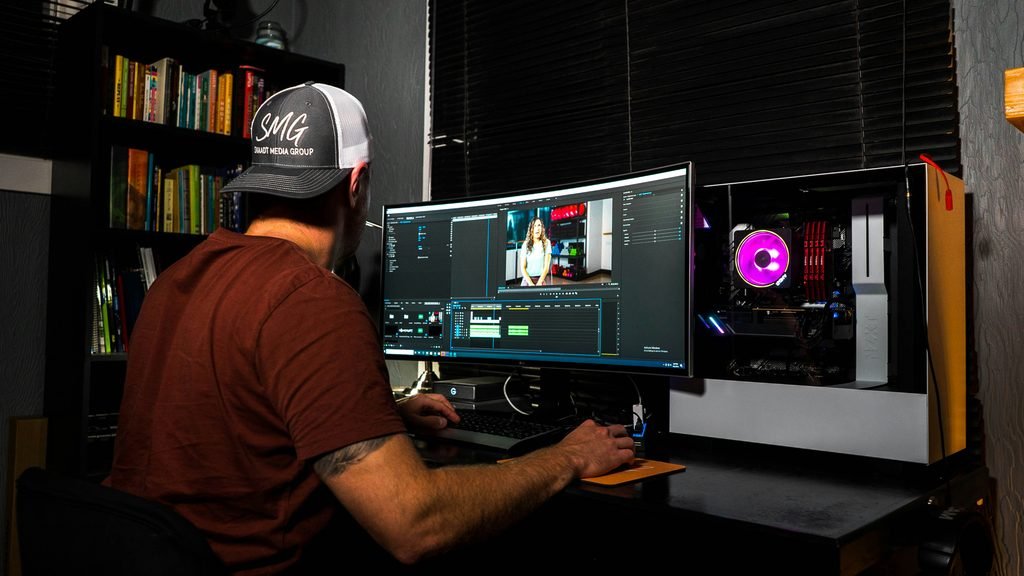
The whole process takes about an hour of your time, plus the editor’s delivery window (often 3–7 days).
- Pick the right category. Go to Fiverr’s video editing section and choose the sub-category that fits, such as YouTube videos or social media videos.
- Shortlist three editors. Filter by budget and delivery time. Watch their portfolio samples all the way through, not just the thumbnail.
- Read recent reviews. Look for comments about communication and deadlines, not just “great work”.
- Message before you order. Share a short sample of your footage and ask how they’d approach it. A good editor replies clearly and asks questions back.
- Start with a small test. Order one short video first. If it goes well, move to longer or recurring work.
- Keep the good ones. Once you find an editor you trust, stick with them. They’ll learn your style, and each video gets faster and cheaper to brief.
Write A Brief That Gets You The Video You Want
With any video editing services, most disappointing edits come from vague briefs, not bad editors. Send these seven things with every order:
- Where the video will be posted (YouTube, Reels, website, ad)
- Final length and aspect ratio (for example, 60 seconds, 9:16)
- One or two example videos you like, with what you like about them
- Your logo, brand colors and fonts (no logo yet? See 25 logo ideas from graphic designers)
- Whether you want captions, music and a call to action at the end
- Anything that must stay in or must be cut
- Your deadline and how many revisions you expect
Red flags to walk away from:
- A portfolio full of other people’s famous work or movie trailers.
- Promises of “unlimited revisions” with no clear terms in the package.
- Prices far below the ranges above for long or complex videos.
- Requests to pay or talk outside Fiverr. Staying on the platform keeps your payment protected.
- Slow or copy-paste replies before you’ve even ordered.
Frequently Asked Questions
What are video editing services? Video editing services are freelancers or studios that turn your raw footage into finished videos. They handle the cuts, captions, music, color and export, so you can post without spending a weekend editing.
How much does it cost to hire a video editor? On Fiverr, short social clips start around $15–$45 and YouTube videos around $70–$100. Cinematic promos and wedding films cost more.
How long does video editing take? Most Fiverr editors deliver in 3–7 days. Rush delivery is available from many sellers for an extra fee.
Do I need to send raw footage? Yes. Send your original, uncompressed files through a shared folder link so the editor has the best quality to work with.
Can one editor handle YouTube and Reels? Often, yes. Many editors will cut a long YouTube video into several short clips as an add-on, which gives you more content from one shoot.
Is it cheaper to learn video editing myself? In money, yes; free apps like CapCut are enough to start. In time, not always. If editing takes you a full weekend per video, hiring usually pays for itself.
The Bottom Line
Start by editing a few videos yourself so you learn what works. When editing starts eating time you’d rather spend on customers, try video editing services: hire one editor on a small test job, give them a clear brief, and build from there.
Some links on this page are affiliate links. If you buy through them, Deosher Studio may earn a commission at no extra cost to you.